Dr Jahan Ara
470 students
University Wise → Select university
Pick your university, then follow Academic Year → Block → Study Type → Subject → Topic.
How to use this page
Tap one university card below. Next: Academic Year → Block → Study Type → Category.
Your path
One tap per card — nothing else to choose on this screen.
3 options
Also available
Expert-led video courses related to University Wise — separate from Academic Year packages. Add lectures when you want instructor-led teaching alongside MCQ practice.
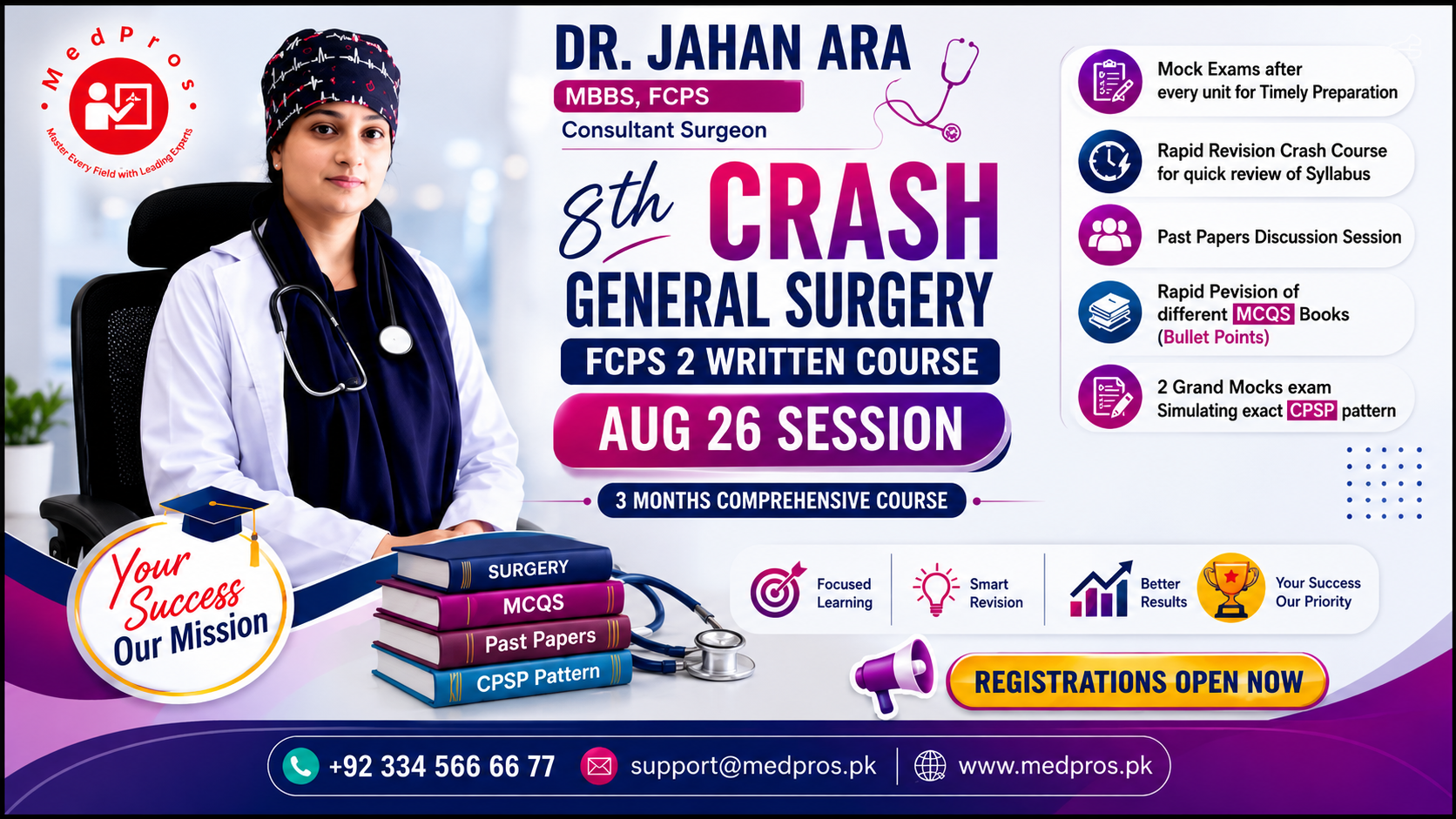
Dr Jahan Ara
470 students
Taimur Khalil
433 students
Dr Usman Sharif
507 students
Dr Jahan Ara
655 students
Taimur Khalil
618 students
729 students
MedPros Pk
322 students
Dr Usman Sharif
100 students
Step 1
Pick a related course
Step 2
Open the course page
Step 3
Watch lessons & keep practising
Help
Answers related to this browse path — packages, practice, and what comes next.
Start with your university, then pick a programme (MBBS, BDS, etc.). That opens the same filtered path as Programme Wise — university → programme → Academic Year package.
This index shows 3 universities. Each card opens that campus — next you choose a programme.
Packages are sold as programme + university + year. University Wise only changes the starting point — programme is still required so the year unlock stays correctly filtered.
Yes. Use Programme Wise if you prefer to pick MBBS/BDS/FCPS first, then choose a university. Both paths meet at the same programme + university page.
Professional courses are tagged independently. When a course shares tags with your university or programme, it appears in related sections; otherwise browse the full courses catalog.
Pick a university below, then continue with programme and Academic Year.